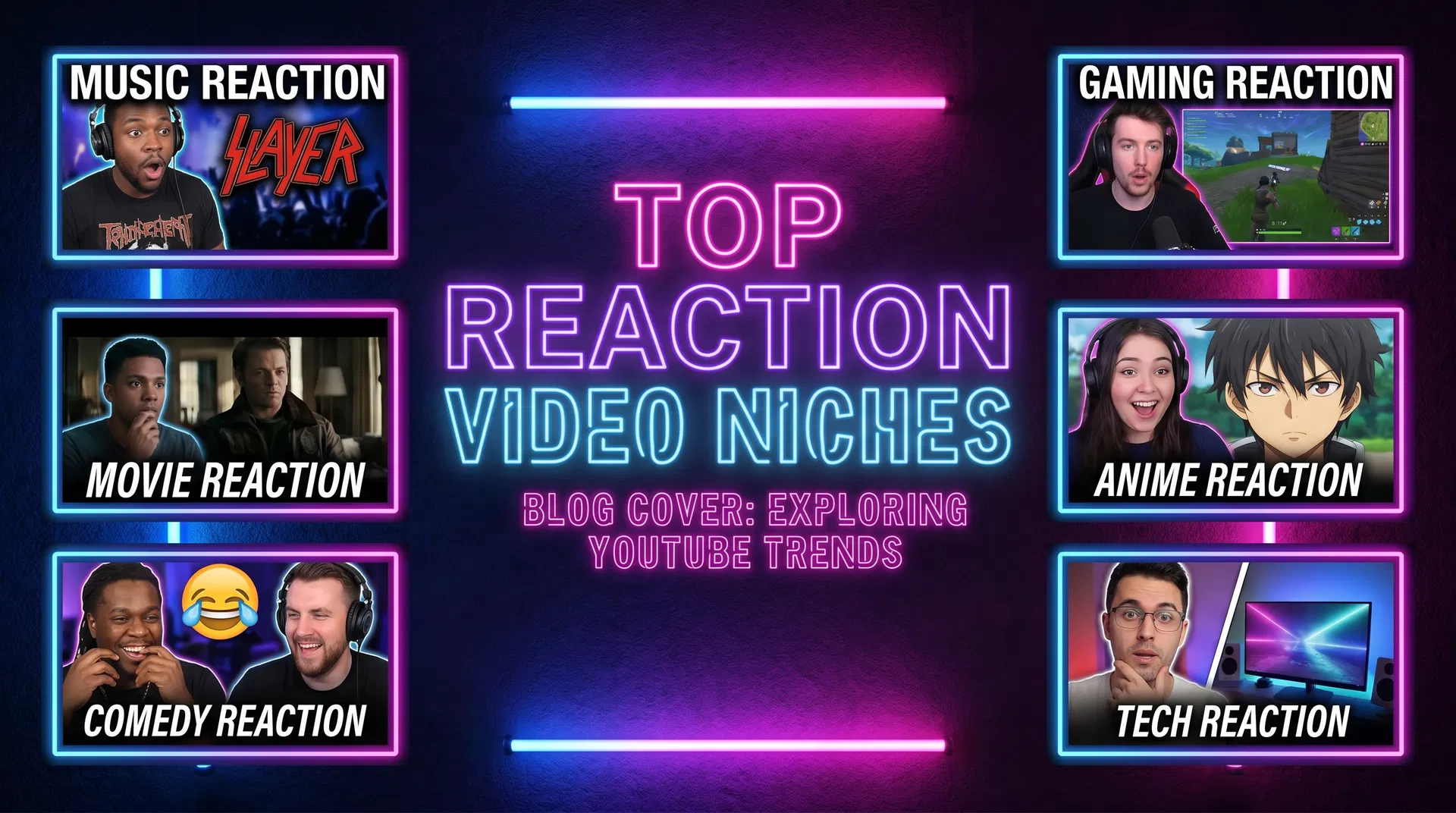
How to Get More Views on Your Reaction Videos: The Complete SEO Guide
YouTube SEO for reaction channels is different from other content types. Here's how to optimise your titles, descriptions, tags, and thumbnails to get more views from search and recommendations.
YouTubeReactions Team
YouTubeReactions.com
How to Get More Views on Your Reaction Videos: The Complete SEO Guide
YouTube is the world's second-largest search engine, and reaction content is uniquely well-positioned to benefit from search traffic. When someone finishes listening to a song and immediately types "reaction to [song name]" into YouTube, they are a highly motivated viewer ready to watch. The question is whether your video appears at the top of those results. This guide explains exactly how to make that happen.
Understanding YouTube SEO for Reaction Content
YouTube's search algorithm prioritises three primary signals: relevance (does the video match what the user searched for?), engagement (do viewers click on it and watch it?), and satisfaction (do viewers finish watching and engage with the content?). Your SEO strategy needs to optimise for all three.
The good news for reaction creators is that search intent is extremely clear. People searching for reaction videos know exactly what they want: a genuine, engaging reaction to a specific piece of content. Your job is to make sure your video appears when they search for it and that your thumbnail and title are compelling enough to earn the click.
Optimising Your Title
Your title is the most important SEO element on your video. The format that consistently performs best for reaction content is:
[Specific Content Title] — [Artist/Creator] REACTION | [Your Channel Name or Descriptor]
For example: "HUMBLE. — Kendrick Lamar REACTION | First Time Hearing" is more searchable than "Reacting to Kendrick Lamar" because it includes the specific song title that people are searching for.
Include the word "reaction" in your title — it is the primary keyword for this content type and appears in virtually every search query for this format. If it is genuinely your first time hearing the content, include "first time hearing" or "first listen" as these are high-volume search terms.
Writing Descriptions That Drive Search Traffic
Your video description should include the full title of the content you are reacting to, the artist or creator's name, and several natural-language sentences describing your reaction. YouTube's algorithm reads descriptions to understand video context.
A strong description template for reaction videos:
"In this video, I react to [Song/Album/Movie] by [Artist/Creator] for the first time. [2–3 sentences about your genuine reaction and what you found most interesting]. If you enjoyed this reaction, check out my other [genre] reactions in the playlist below."
Include links to related videos and your playlist in the description. This increases session time and signals to YouTube that your channel is a destination for this type of content.
Tags: How to Use Them Effectively
YouTube's tag system is less important than it was five years ago, but it still contributes to search relevance. Include: the exact song/album title, the artist's name, "[artist name] reaction", "[song title] reaction", "[genre] reaction", and your channel name.
Avoid stuffing tags with irrelevant terms — YouTube's algorithm is sophisticated enough to identify and penalise keyword stuffing.
Thumbnail Optimisation
Your thumbnail determines whether people click on your video after finding it in search results. The highest-performing reaction thumbnails share three characteristics: a high-contrast image of your genuine reaction face (surprise, joy, or intensity work best), bold readable text naming the content you are reacting to, and a clean, uncluttered composition.
A/B test your thumbnails using YouTube Studio's built-in thumbnail testing feature. Even small changes — different facial expressions, different text placement, different background colours — can produce significant differences in click-through rate.
Getting Your Channel Listed on Reaction Directories
Beyond YouTube's own search, being listed on YouTubeReactions.com provides an additional source of organic discovery. The directory is indexed by Google and appears in search results for queries like "best [genre] reaction channels" — giving your channel exposure to motivated viewers who are specifically looking for new reactors to follow.