How to Start a Reaction Channel on YouTube in 2025: A Complete Beginner's Guide
Thinking about starting a YouTube reaction channel? This step-by-step guide covers everything from choosing your niche and setting up your studio to uploading your first video and growing your audience.
YouTubeReactions Team
YouTubeReactions.com
How to Start a Reaction Channel on YouTube in 2025: A Complete Beginner's Guide
Starting a reaction channel on YouTube is one of the most accessible ways to break into content creation. You don't need a massive production budget, a film degree, or years of experience — you need genuine enthusiasm, a consistent niche, and the willingness to show up on camera. In 2025, reaction content remains one of the most-watched formats on the platform, with billions of views generated every month across music, movies, anime, gaming, and sports.
Step 1: Choose Your Niche
The biggest mistake new reactors make is trying to react to everything. The channels that grow fastest are the ones that own a specific corner of YouTube. Ask yourself: what do you genuinely love watching? Music video reactions, anime episode reactions, movie trailer reactions, and hip-hop first-listens are all proven niches with dedicated audiences actively searching for new reactors to follow.
Your niche should sit at the intersection of three things: what you're passionate about, what audiences are actively searching for, and what you can produce consistently. A channel dedicated to reacting to classic rock albums, for example, has a built-in search audience of people who want to see someone experience Led Zeppelin or Pink Floyd for the first time.
Step 2: Set Up Your Recording Space
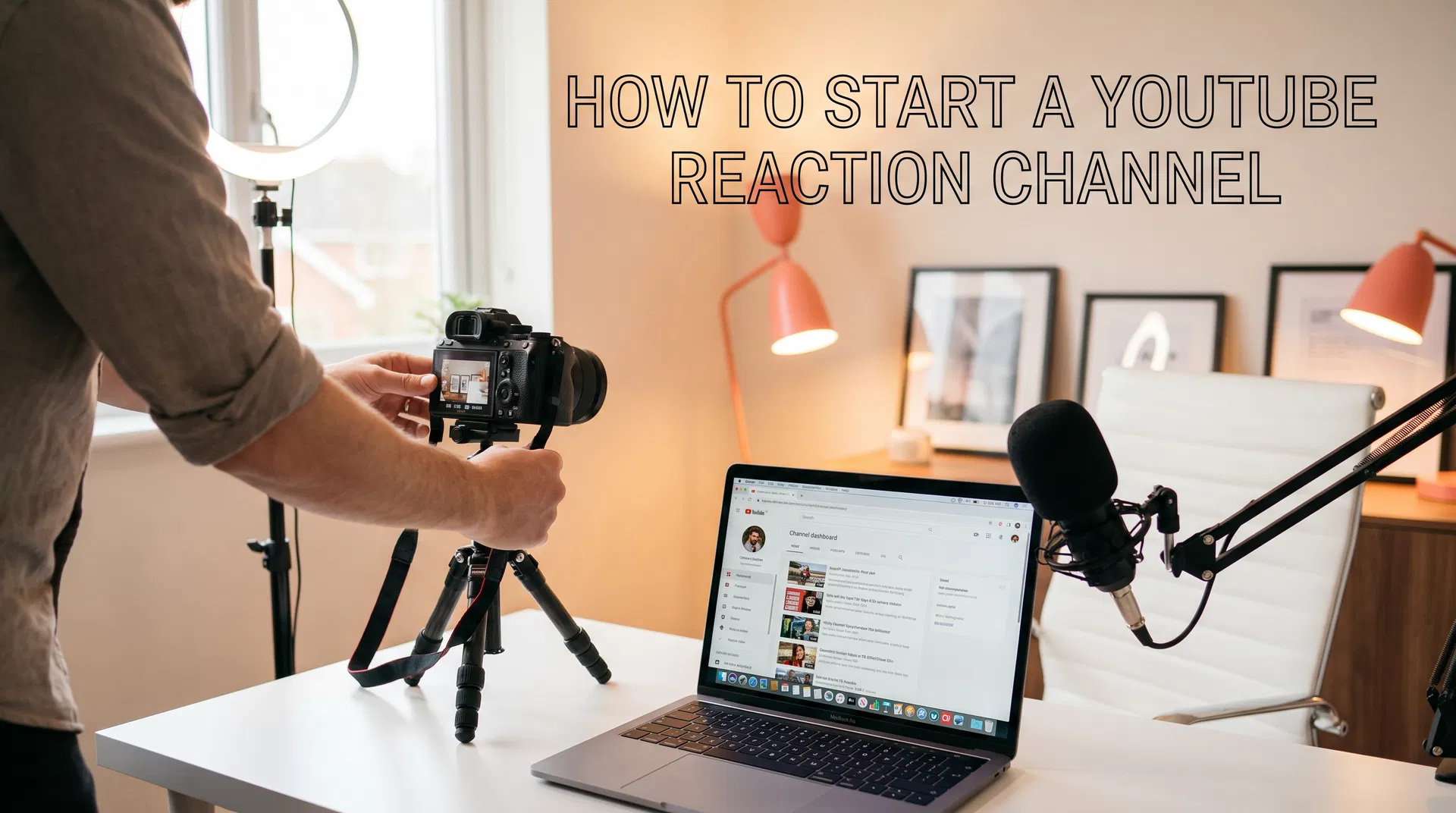
You don't need a professional studio. What you do need is good lighting, decent audio, and a clean background. A ring light (around $30–$50) placed in front of you will dramatically improve your video quality. A USB condenser microphone like the Blue Yeti or Audio-Technica AT2020 will make your audio sound professional without breaking the bank.
Your background matters more than most beginners realise. A tidy, personality-filled background — bookshelves, posters, LED strips — tells viewers something about who you are before you've said a word. Avoid plain white walls, which look flat and unprofessional on camera.
Step 3: Understand the Copyright Rules
This is the most important section of this guide. Reaction content exists in a legal grey area on YouTube, and understanding the rules from day one will save you from having your videos taken down or your channel struck.
The key principle is transformative use. Your reaction needs to add genuine commentary, analysis, or educational value to the original content — not just play the full video while you watch silently. Keep your face and reactions visible throughout. Pause frequently to share your thoughts. The more your commentary transforms the original content, the stronger your fair use argument.
Many reactors also use the split-screen format, showing themselves on one side and the content on the other, which further demonstrates transformative use. We cover copyright in depth in our dedicated article: Copyright Law for YouTube Reactors Explained.
Step 4: Record and Edit Your First Video
Keep your first video short — 10 to 15 minutes is ideal. Audiences are more likely to watch a tight, well-paced reaction than a 45-minute stream-of-consciousness video. Use free editing software like DaVinci Resolve or CapCut to trim dead air, add your intro, and clean up the audio.
Your thumbnail is as important as the video itself. Use a high-contrast image of your genuine reaction face — surprise, joy, shock — with bold text naming the content you're reacting to. Canva makes it easy to create professional thumbnails for free.
Step 5: Upload Consistently and Engage Your Community
The YouTube algorithm rewards consistency above almost everything else. Commit to a realistic upload schedule — two videos per week is a solid starting point — and stick to it. Respond to every comment in your first few months. Reply to other reactors' videos. Join reaction channel communities on Reddit and Discord.
Growth on YouTube is slow at first and then suddenly fast. Most successful reactors report that their channel felt stagnant for the first six to twelve months before a single viral video changed everything. The channels that make it are the ones that keep going.
Getting Listed on YouTubeReactions.com
Once your channel is established, submit it to YouTubeReactions.com — the No.1 directory for reaction channels. A listing gives your channel a dedicated profile page, exposes you to fans actively searching for new reactors in your niche, and provides a permanent SEO-friendly home for your content outside of YouTube itself.
Starting a reaction channel in 2025 has never been more viable. The audience is there, the tools are affordable, and the community is welcoming. The only thing standing between you and your first subscriber is pressing record.